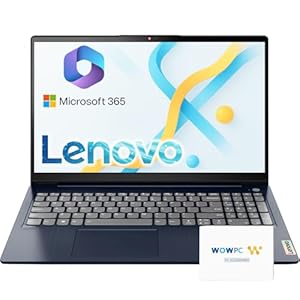
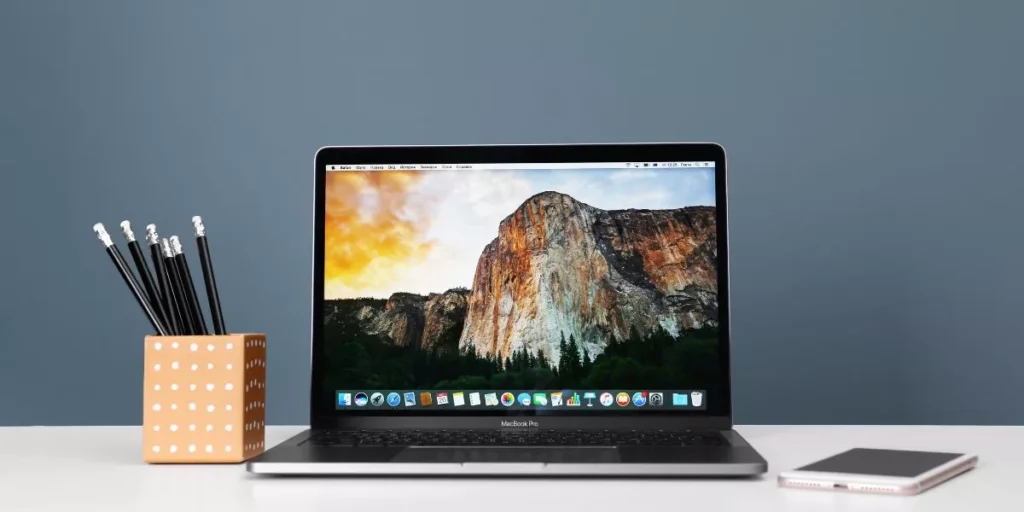
When deciding between a Macbook and a Windows laptop, the debate often boils down to performance and customization. Macbooks offer sleek design and seamless functionality, while Windows laptops provide a wider range of software compatibility and affordability. The choice may seem straightforward, but delving deeper into the pros and cons of each can reveal surprising insights that might sway your decision one way or another.
Performance and Speed
When considering performance and speed, Macbooks typically outshine Windows laptops in terms of efficiency and responsiveness. The seamless integration between hardware and software in Macbooks allows for optimized performance, ensuring tasks are completed swiftly and smoothly. The solid-state drives found in Macbooks contribute to faster boot times and application launches compared to traditional hard drives commonly used in Windows laptops. Additionally, Macbooks are known for their reliable battery life, keeping you productive for longer periods without needing to constantly search for a power outlet.
In terms of speed, Macbooks excel in multitasking scenarios, handling various applications simultaneously without significant lag or slowdowns. The advanced processors and graphics capabilities in Macbooks provide a fluid user experience, whether you’re editing videos, working on graphic design projects, or simply browsing the web. This enhanced speed and performance make Macbooks a preferred choice for professionals and creatives who rely on efficient technology to accomplish their tasks effectively.
Software Compatibility
Optimizing software compatibility is crucial when choosing between Macbooks and Windows laptops for your computing needs. Macbooks are known for their seamless integration with Apple’s macOS operating system, providing a consistent user experience and compatibility with a wide range of Apple software. If you heavily rely on applications like Final Cut Pro or Logic Pro, a Macbook would be the ideal choice due to its optimized performance with these programs.
On the other hand, Windows laptops offer compatibility with a larger variety of software due to the widespread use of the Windows operating system. This is advantageous if you require specific programs that are only available on Windows or if you need to switch between different software frequently. Windows laptops also support a wider range of peripherals and accessories, making them versatile for various tasks.
Before making a decision, consider the software you use regularly and ensure that your chosen laptop platform can support them effectively. Both Macbooks and Windows laptops have their strengths in software compatibility, so prioritize your specific needs to make the best choice for your workflow.
Price and Affordability
Considering your budget constraints, comparing the price and affordability of Macbooks and Windows laptops is essential to make an informed decision. Macbooks are known for their premium pricing, often being more expensive than Windows laptops with similar specifications. The cost of a Macbook can be a significant factor for many consumers, especially those looking for a more budget-friendly option.
On the other hand, Windows laptops offer a wide range of prices, from budget-friendly options to high-end models, providing more flexibility to choose a device that fits your budget.
When comparing the price of Macbooks and Windows laptops, it’s essential to consider the overall value you’re getting for your money. While Macbooks may have a higher upfront cost, they’re known for their sleek design, user-friendly interface, and excellent customer support. Windows laptops, on the other hand, offer a variety of options at different price points, allowing you to prioritize features based on your budget.
Ultimately, the decision between a Macbook and a Windows laptop will depend on your budget and the specific features you value in a laptop.
Customization Options
Exploring the customization options available for Macbooks and Windows laptops can significantly impact your overall user experience and satisfaction with your device. When it comes to customization, Windows laptops offer a wider range of options compared to Macbooks. With Windows laptops, you have the flexibility to upgrade hardware components such as RAM, storage, and even the processor in some cases. This means you can adapt your laptop to meet your specific needs, whether it’s for gaming, graphic design, or everyday use.
On the other hand, Macbooks have more limited customization options. While you can choose certain specifications at the time of purchase, such as storage capacity or processor speed, upgrading components later on can be challenging and sometimes impossible. Apple tends to prioritize sleek design and integration over user-upgradeable parts.
Consider how important customization is to you before making a decision between a Macbook and a Windows laptop. If you value the ability to personalize and upgrade your device over time, a Windows laptop might be the better choice for you.
Trending Products